Compare sculpted and dimensioned modelling workflows
Choose a modelling approach by the decisions the object requires: controlled dimensions, organic form or a combination of both.
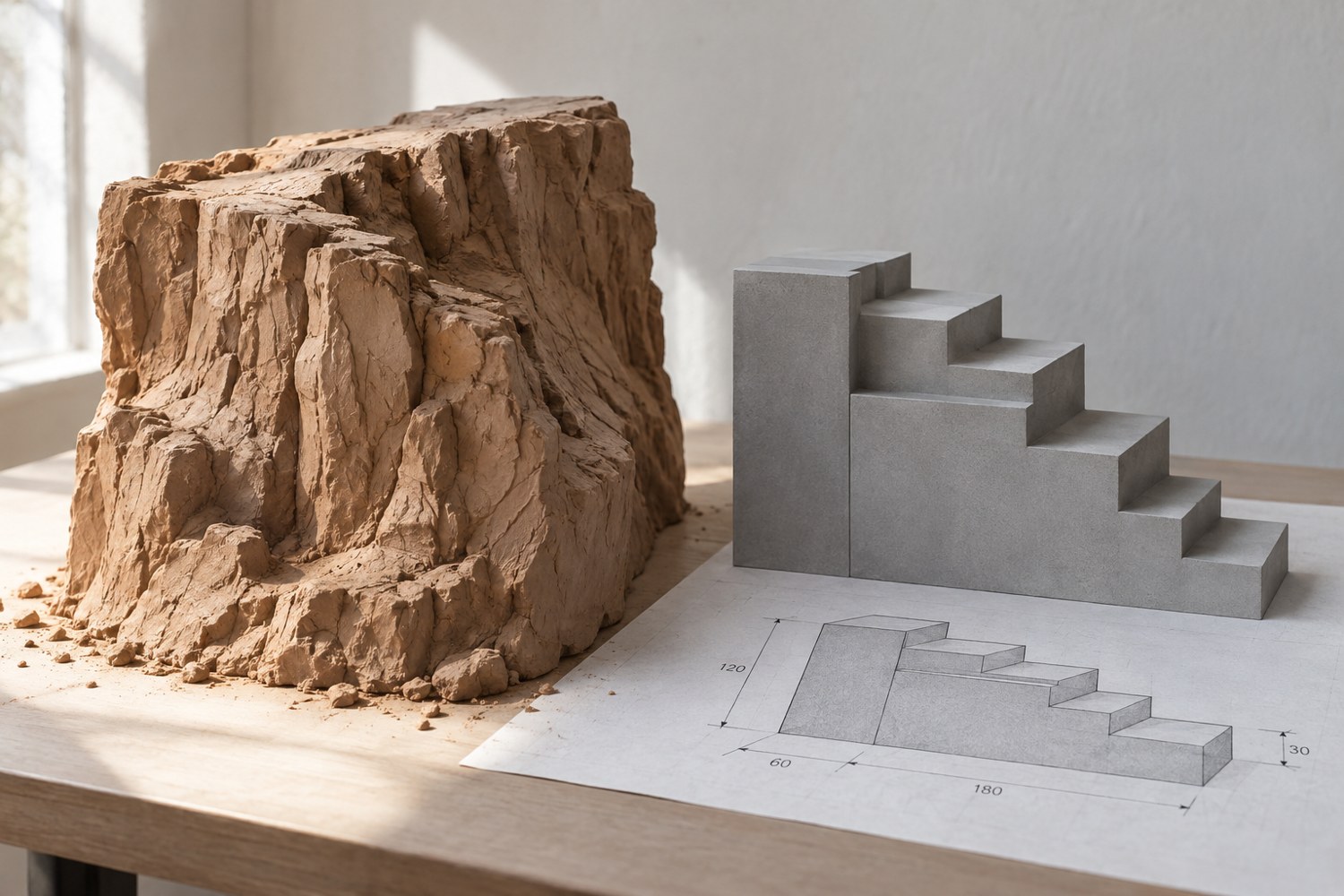
A rocky coastline and a fitted storage insert are both three-dimensional models, but they ask different questions while being designed. The coastline is judged by silhouette, rhythm and the way forms meet. The insert is judged by dimensions, clearances and the objects it must contain. Choose a workflow that makes the important decisions visible.
For a dimension-led part, start with measurable relationships. Define the footprint, openings and contact surfaces before decorative details. Use the tools in your chosen application that let you revise those relationships deliberately. The value is not in a particular software label; it is in being able to explain and change the dimensions that matter.
Use sculpting where form is the problem
An organic rock face may benefit from a process that lets you shape masses and surface transitions directly. Begin with the largest forms and examine the silhouette from several views. Adding fine texture early can hide an unresolved shape without improving it.
Keep the eventual size in mind. A detail that looks dramatic while the model fills the screen may be insignificant on a small printed base. Periodically inspect the object at a representative viewing scale and compare it with other pieces in the scene. The model should read as a whole before its smallest marks are considered.
Protect the interfaces in a mixed project
Many useful projects need both approaches. A sculpted cliff may sit on a rectangular tile with a controlled edge. A decorative lid may need a measured locating lip underneath. Keep the functional interface separate in your thinking, even if the application stores everything in one object.
Establish a boundary between the controlled and expressive areas. Save a version of the simple fitting geometry before adding irregular forms. After substantial sculpting, recheck that the base remains flat where intended and that sockets or edges have not moved. An attractive surface does not compensate for a tile that no longer meets its neighbour.
Choose an exercise rather than a software contest
If you are learning, model one small object that contains both a plain interface and an organic feature. A rock on a measured display base is enough. Evaluate how easily you can change the base width without rebuilding the rock, or revise the rock without disturbing the base.
Keep the editable file, a simple export and a note describing what was difficult. That evidence helps you decide which tools to learn next. There is little value in choosing a workflow because it is called professional if it obscures the decisions your project actually needs. A suitable approach lets you preserve the relationships that must stay fixed while changing the parts that are still being explored.
Another detail to explore
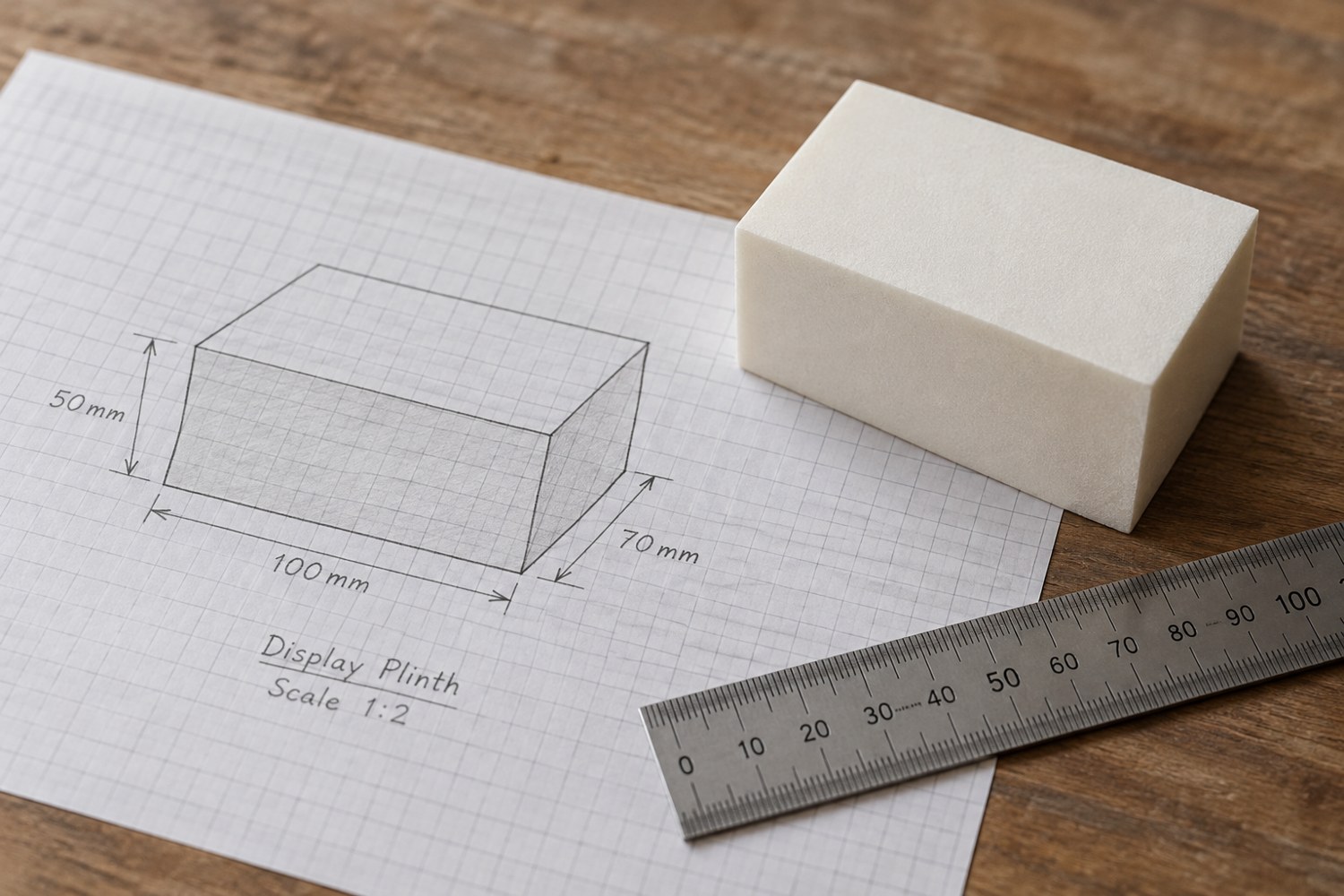
Start a model with dimensions instead of details
Build a short dimensional brief before adding bevels, textures or decorative features. It gives every later modelling decision a reference.
Read article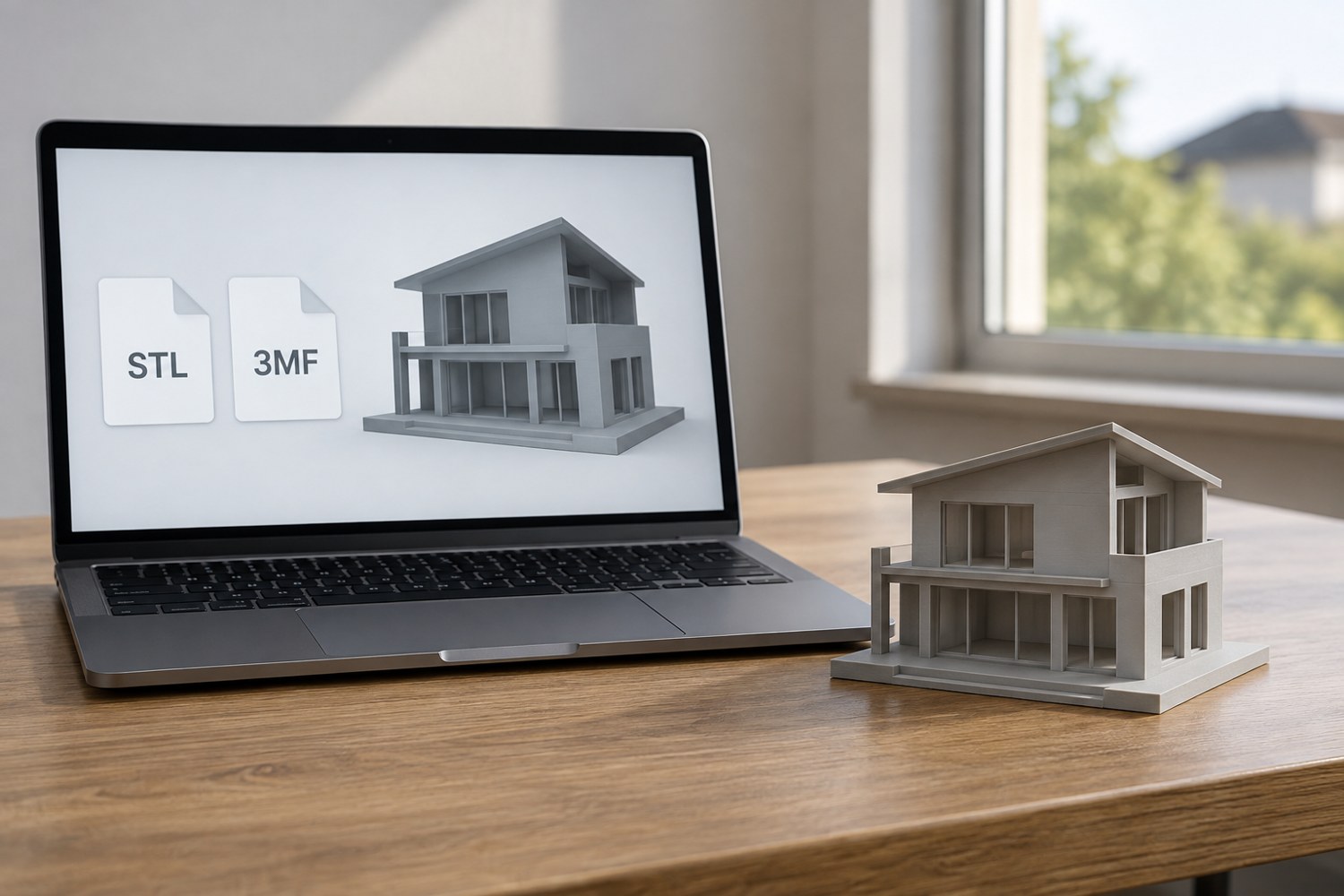
Understand STL and 3MF when sharing a print project
An STL mesh and a saved 3MF project can carry different information. Decide what a recipient needs before choosing the file to send.
Read article