Materials & tools
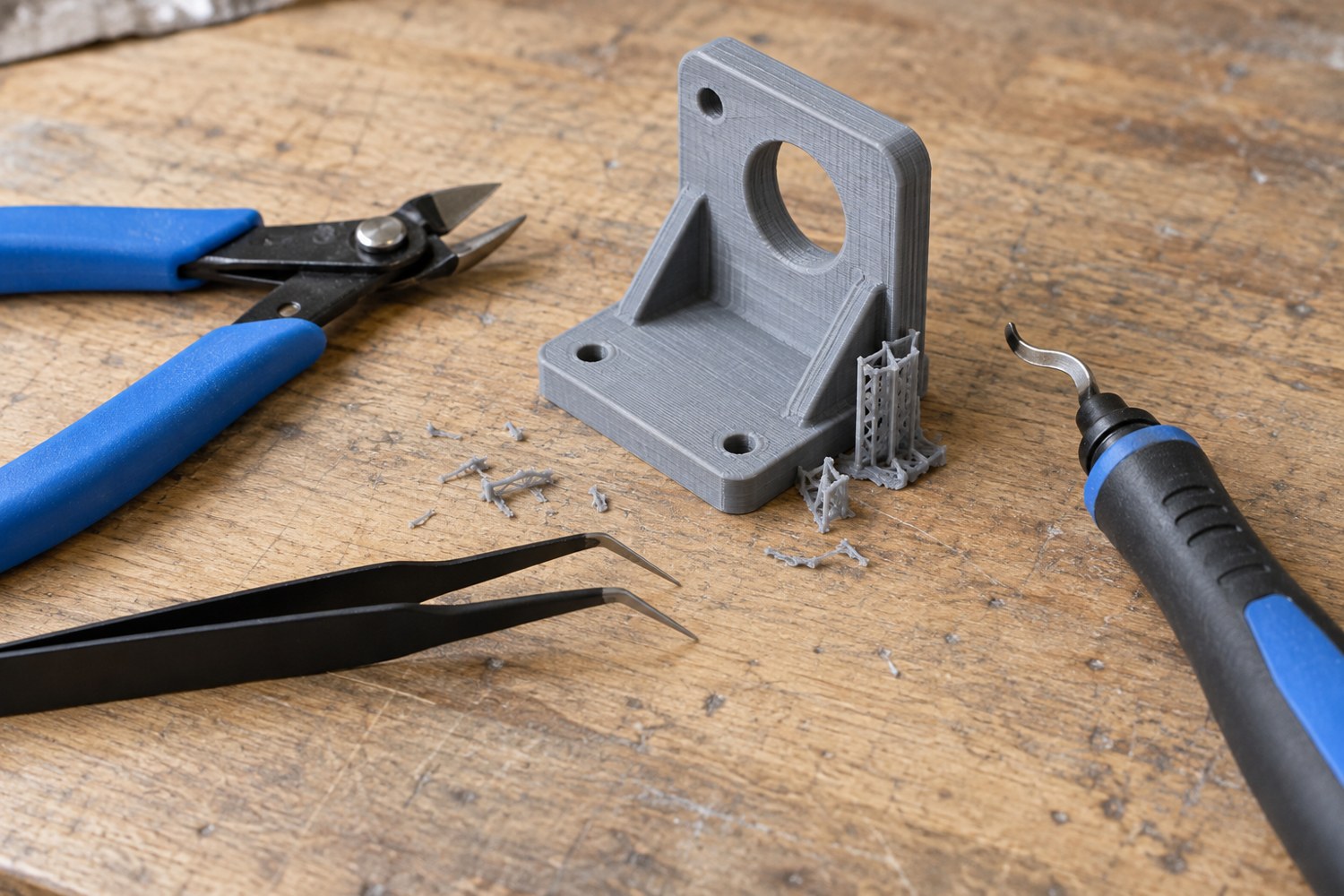
Choose hand tools for cleaning a filament print
Choose a few tools for accessible cleanup tasks and keep cutting forces away from delicate features.
Read articleExplore the choices between a digital model and a finished scene: materials, printing, assembly and the details that give a place its character.
Explore the journal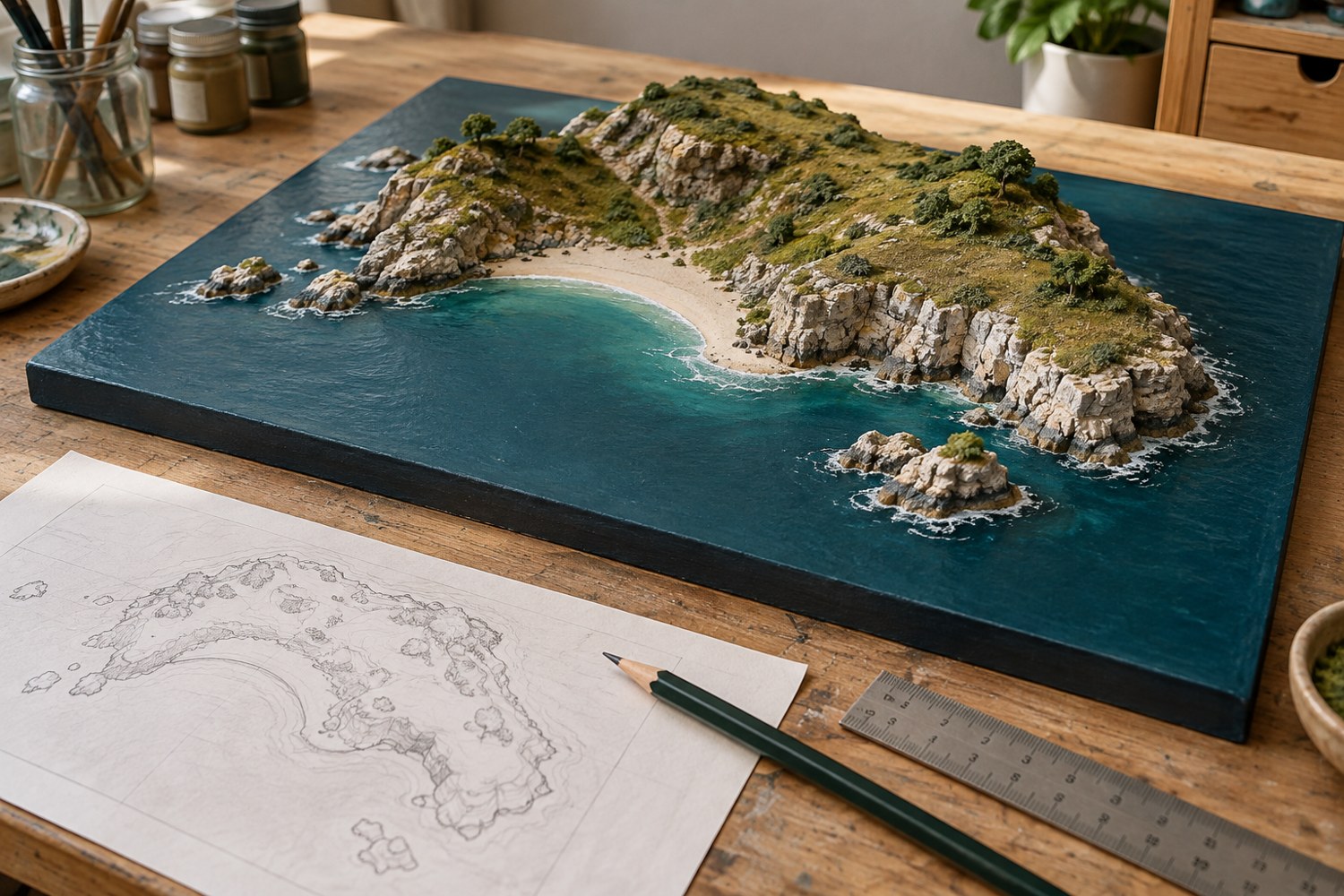 Terrain & miniature worlds
From the first preview to a repeatable print.
Browse subject ↗02Choose, store and organise the things on your bench.
Browse subject ↗03Turn dimensions and sketches into printable geometry.
Browse subject ↗04Shape coastlines, buildings and small landscapes.
Browse subject ↗05Bring separate parts and surfaces together.
Browse subject ↗06Photograph, protect and share the finished piece.
Browse subject ↗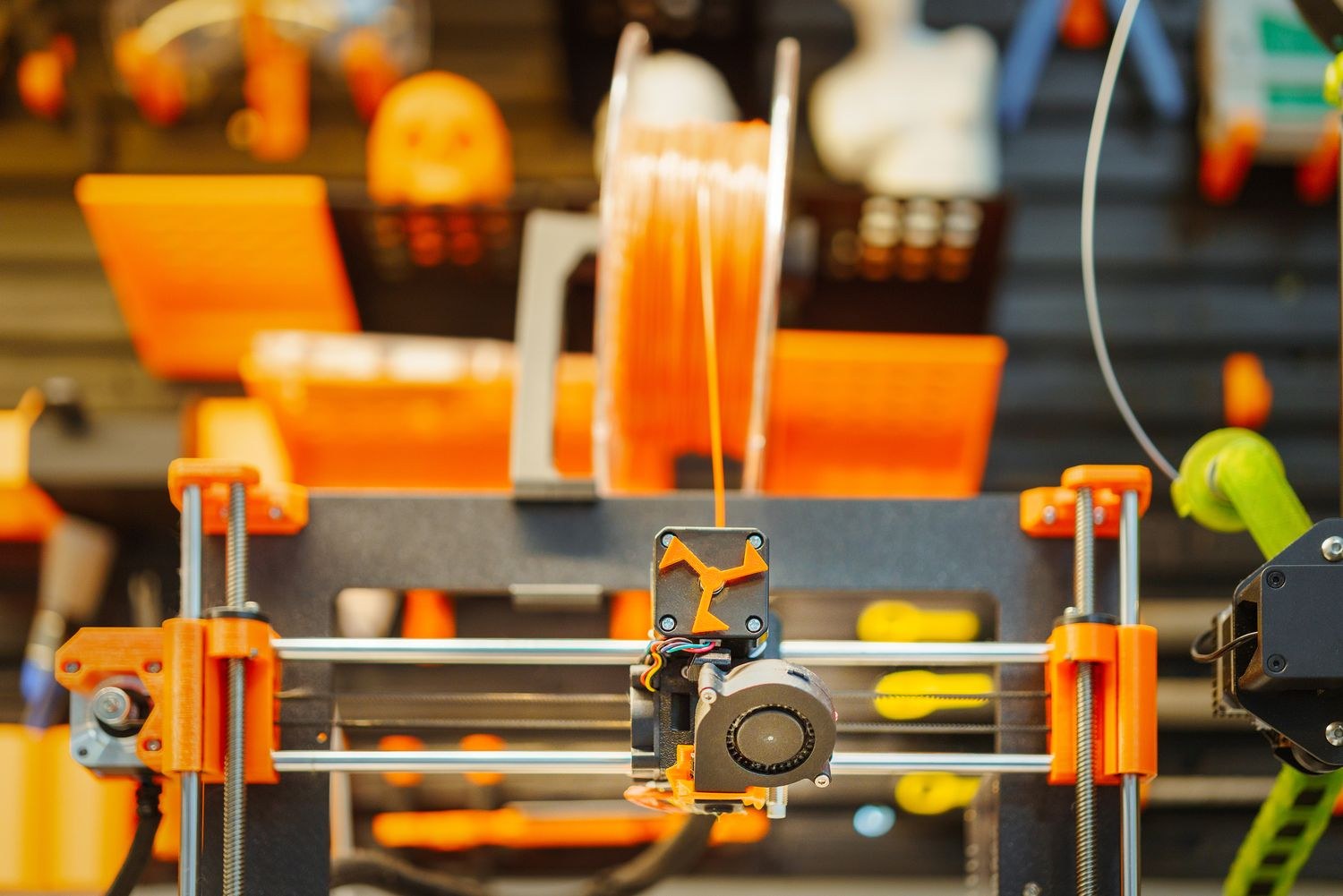
A terrain tile, a fitted lid and a detailed miniature ask different things of a machine. Start with the objects you want to make and the space available to make them.
Read the first-printer guide →Choose a few tools for accessible cleanup tasks and keep cutting forces away from delicate features.
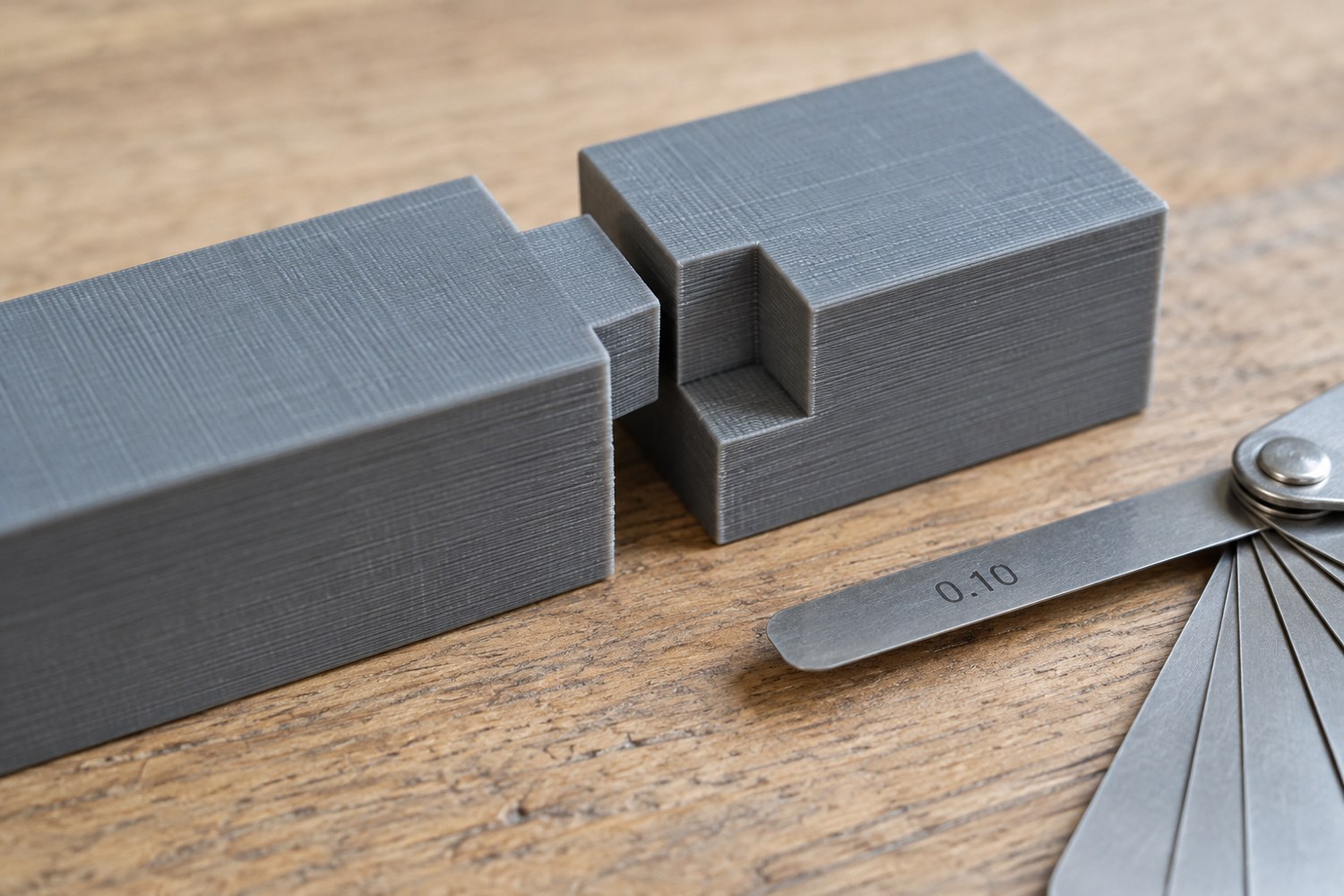
Read articleTreat clearance as a relationship between two surfaces, then test that relationship in the same orientation and material as the finished parts.
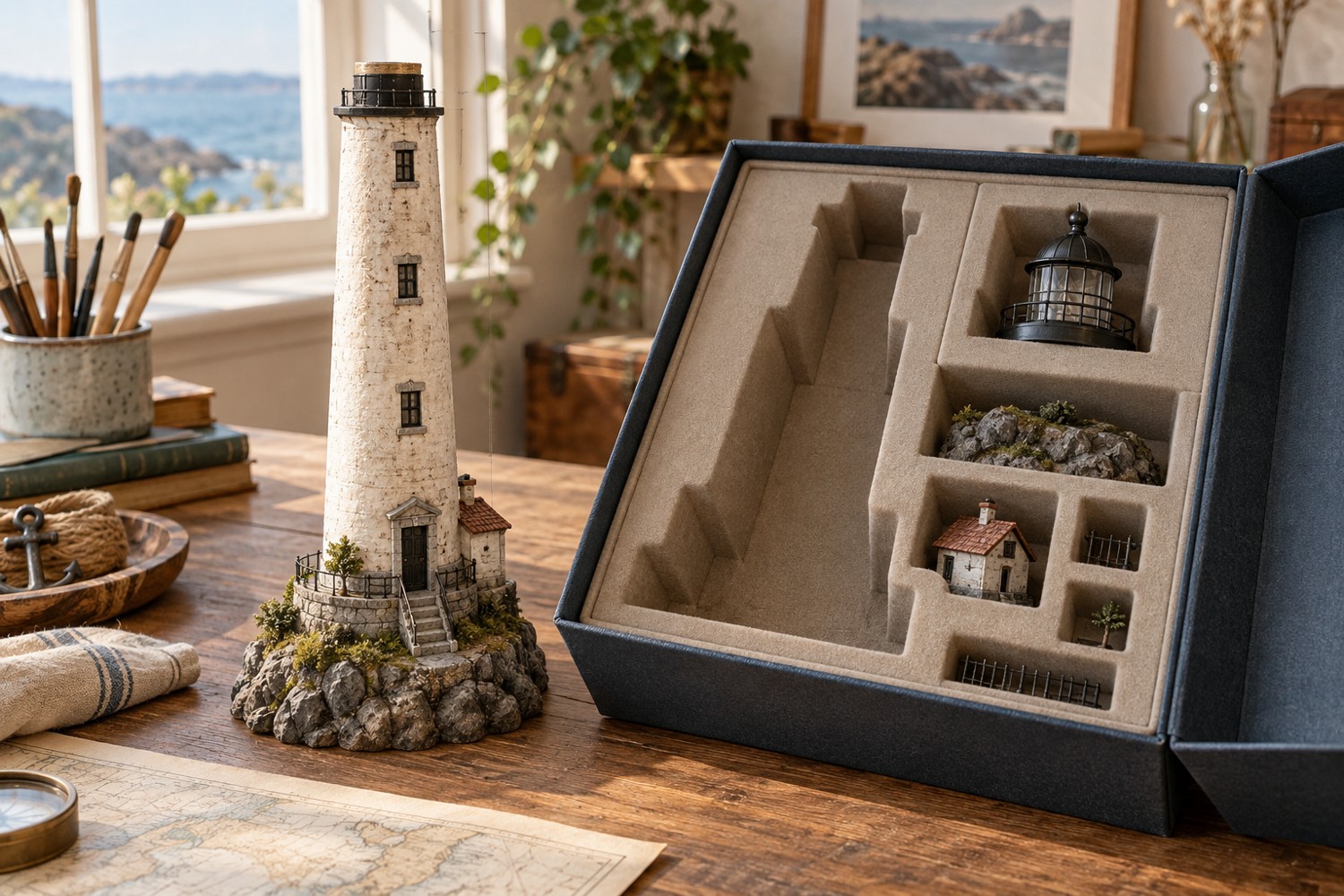
Read articleSet the storage envelope and handling route before committing to a tall tower, tree or cliff.
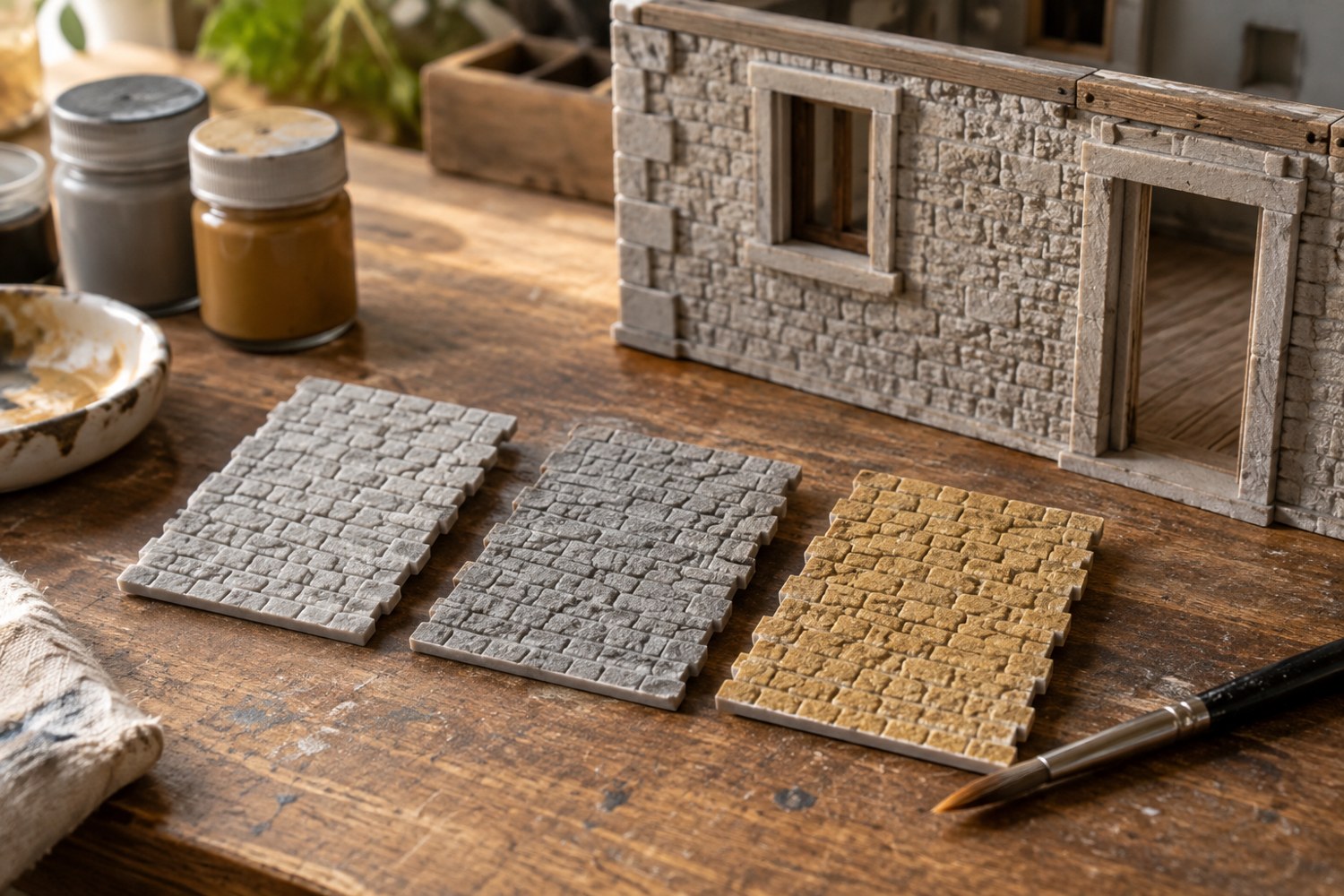
Read articleTest the complete primer and paint sequence on representative spare material before coating the model.
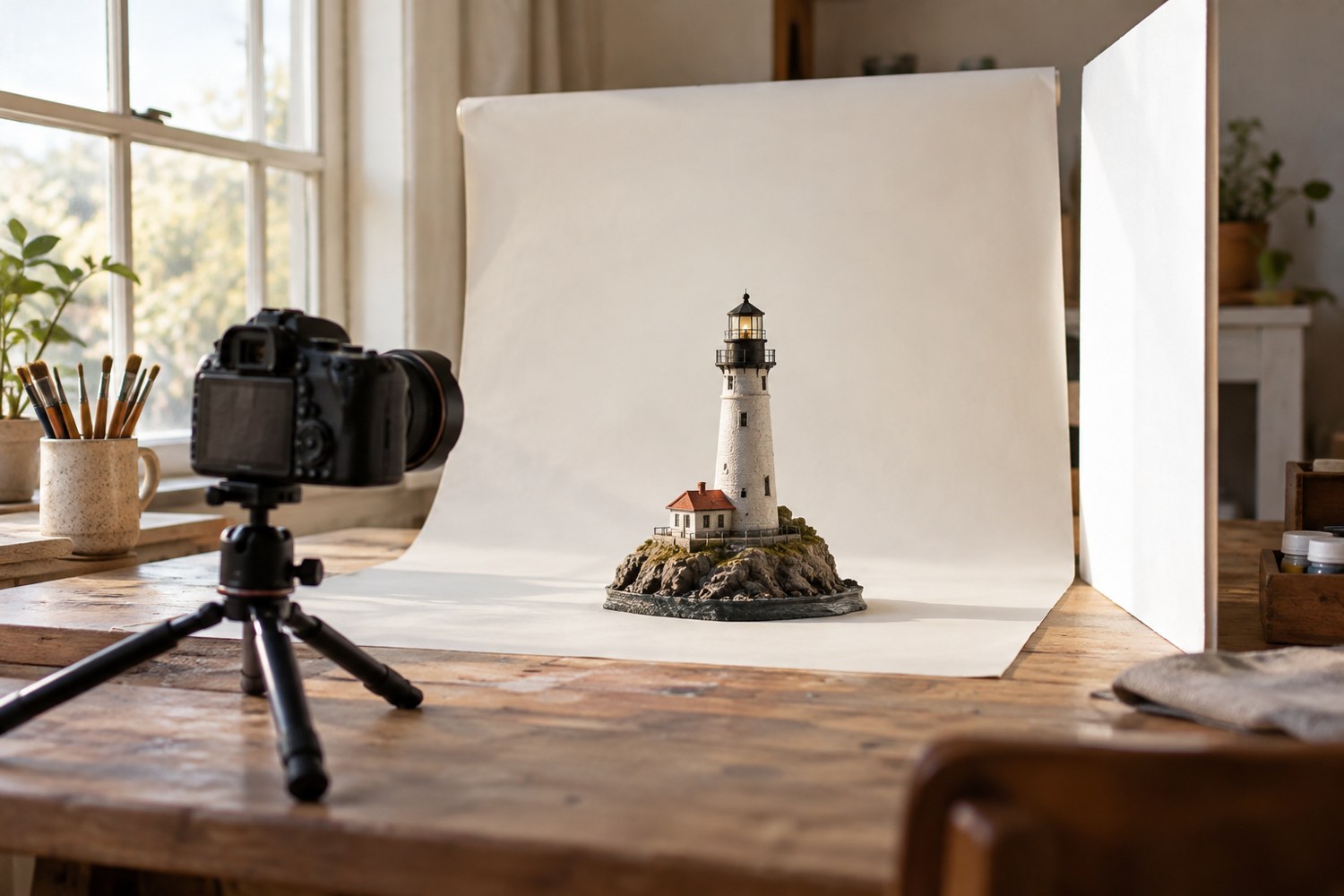
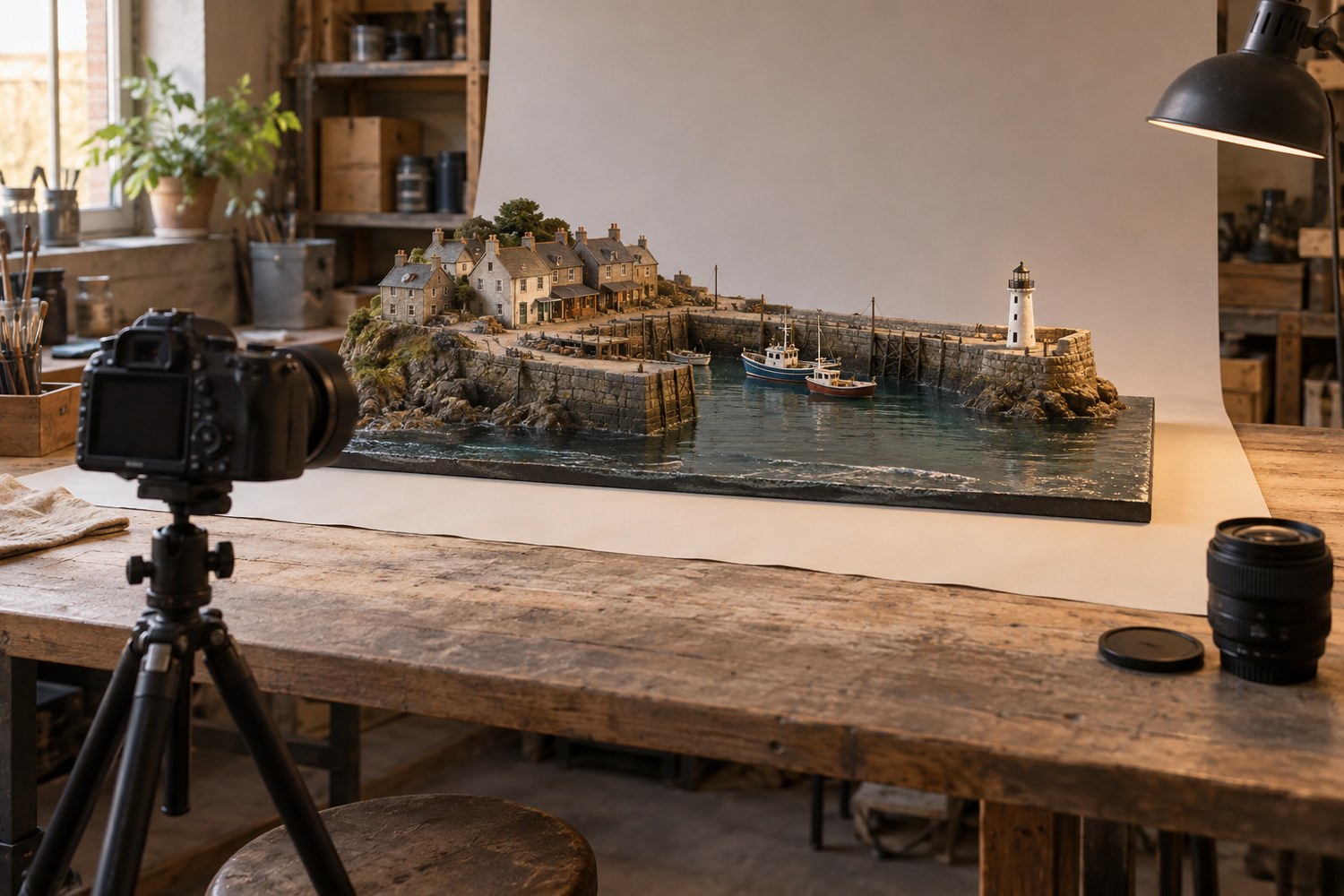
Read articleUse a stable model position, indirect window light and a simple reflector to make small forms readable in photographs.
Read articleCapture the whole object first, then work towards details while keeping the model's orientation and lighting understandable.
Read article