Export separate parts without losing their alignment
Preserve an assembled reference before exporting parts individually, then reimport the delivery files to check their relationships.
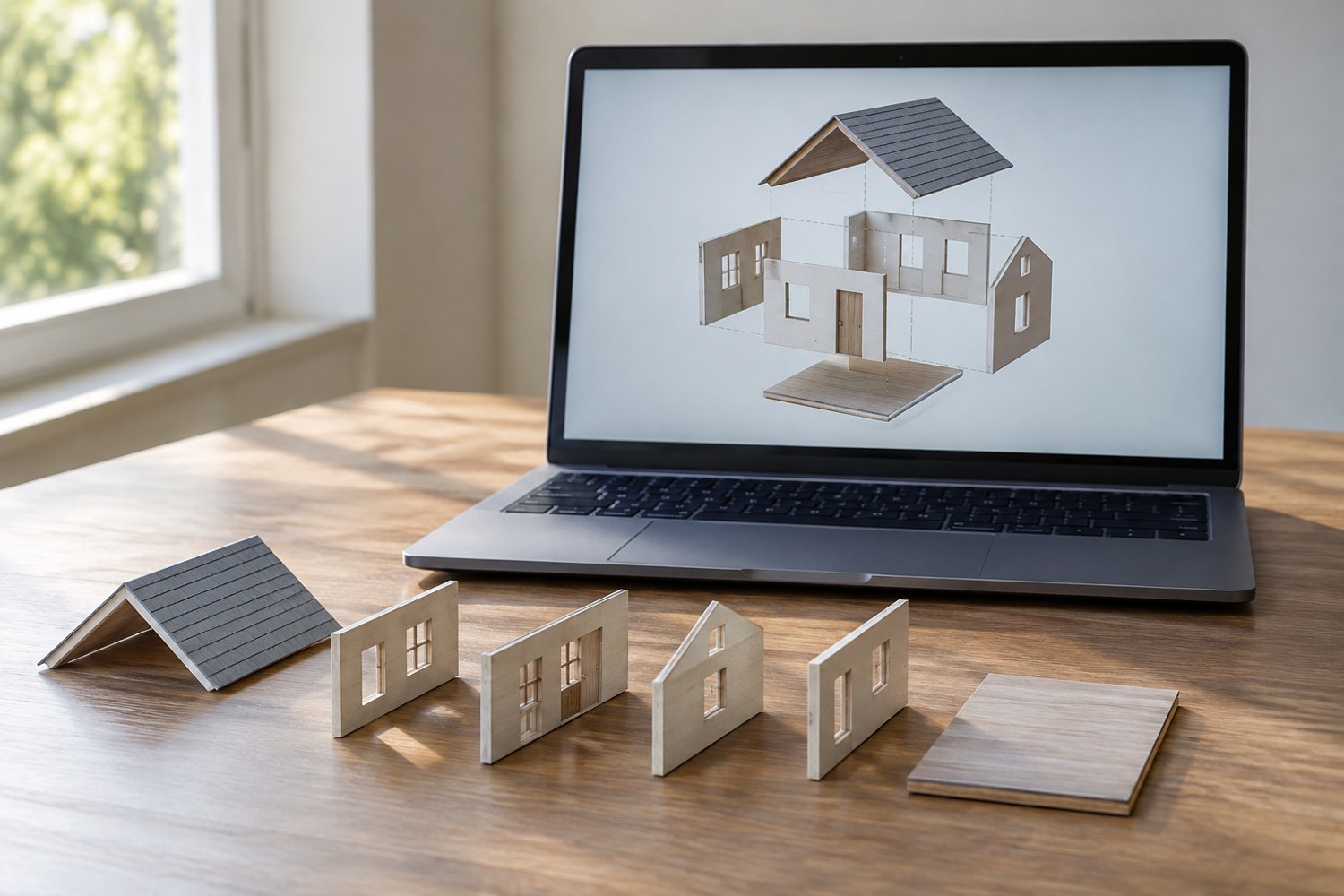
A roof, wall and locating pin may look aligned in the modelling scene but arrive as unrelated objects after export. Before separating them, save a complete assembly view and record the coordinate convention used for the project. Decide whether the recipient needs parts in their assembled positions or laid out individually for printing.
Those are different deliverables. An assembled set preserves how the pieces relate to each other. A print layout may rotate each piece to a useful manufacturing orientation. Sending the latter without an assembly reference can make a simple model unnecessarily difficult to reconstruct.
Keep a reference that is easy to compare
Save the full model before making export-only changes. Use a screenshot or a small assembly drawing to show the front, top and order of the parts. Label pieces with the same names used in the file names. If two components are similar but not interchangeable, include a visible feature that distinguishes them in the drawing.
Check the export selection. Blender's STL exporter includes a selection-only option and controls related to scale, axes and evaluated modifiers. These controls can affect what arrives in the receiving application. Inspect the settings for the actual export instead of assuming that a previous project's settings still apply.
Reimport into a clean scene
Open the exported files without the original assembly around them. Compare the object count, dimensions and relative positions against your reference. Look for a missing connector, an extra construction shape or a component moved to a different origin. A clean reimport exposes mistakes that are easy to overlook when the source remains visible underneath.
If the files are intended to retain assembly positions, avoid independently centring each piece during the export workflow. If they are intended as individual printable components, make that explicit and include the assembled reference separately. Do not rely on a file browser's alphabetical order to communicate an assembly sequence.
Finally, confirm the relationships in the destination slicer or viewer. Software may treat several meshes as independent objects or as parts of one object. Prusa's documentation explains that these concepts have different behaviours in its slicer. Choose the interpretation that suits the handover and check it visually before saving the project.
Store the verified exports together with the short assembly note. The note should state the intended overall size and identify any parts that remain removable. That gives a future reader a way to detect a scale or alignment mistake before it becomes a collection of incompatible printed pieces.
Another detail to explore
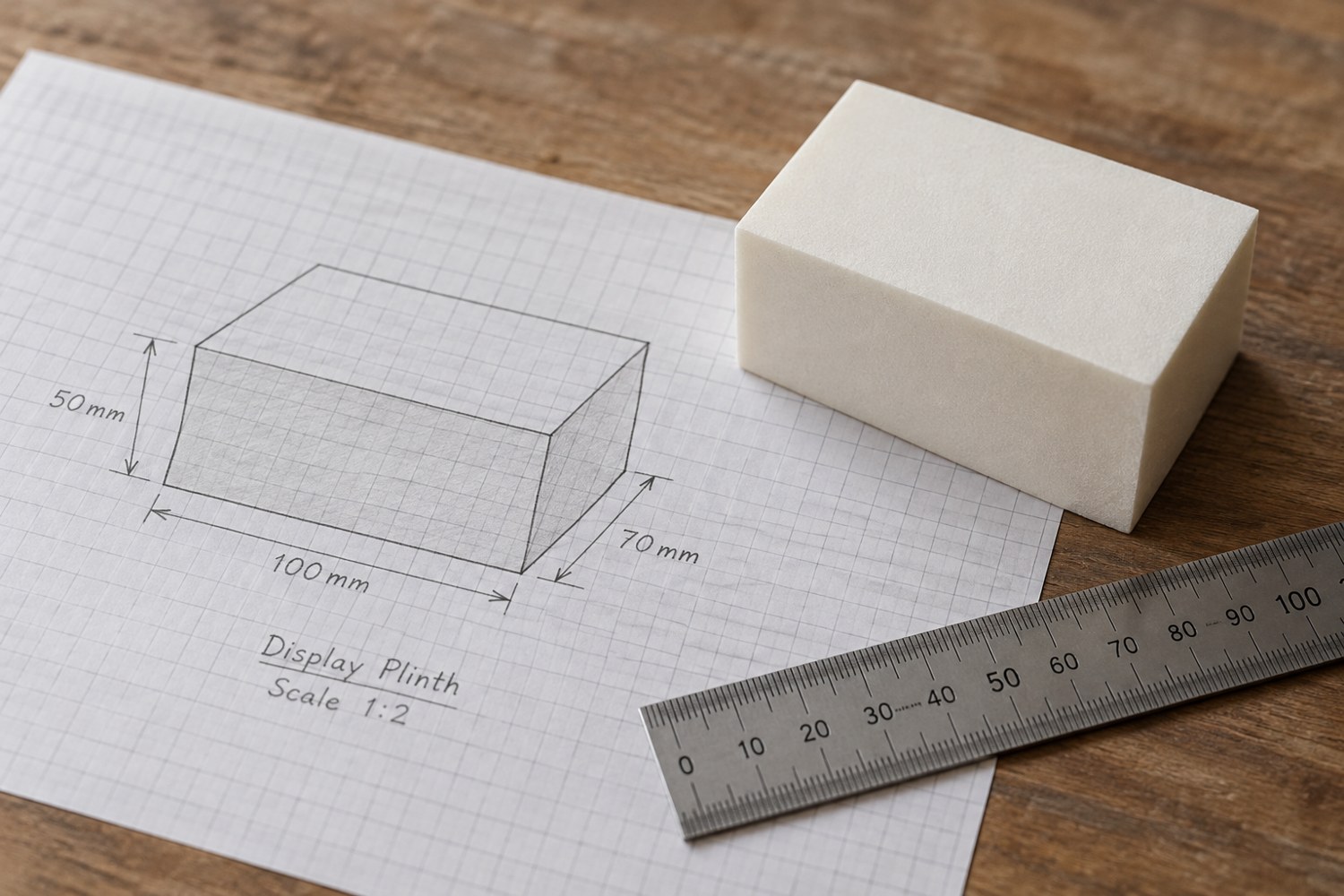
Start a model with dimensions instead of details
Build a short dimensional brief before adding bevels, textures or decorative features. It gives every later modelling decision a reference.
Read article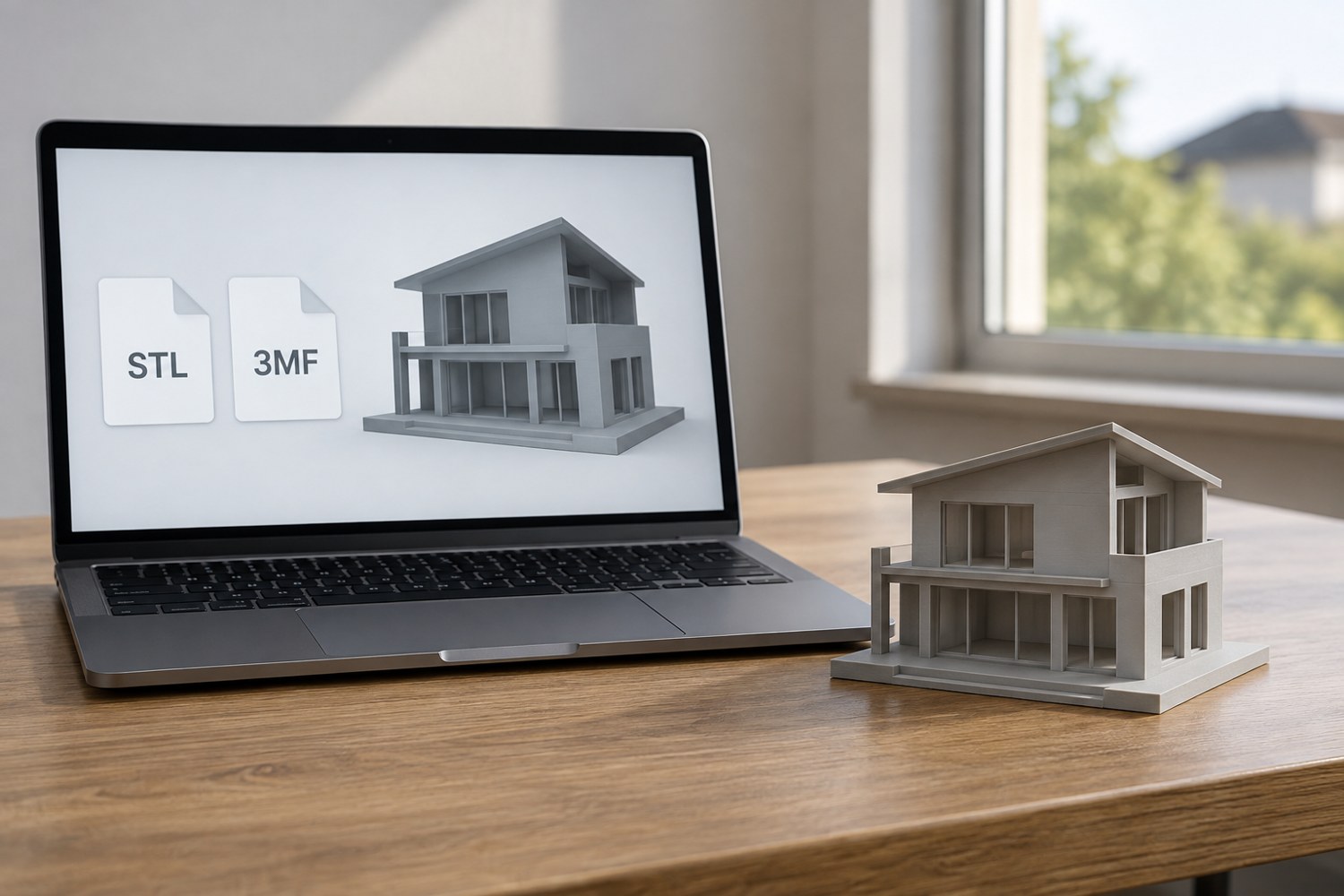
Understand STL and 3MF when sharing a print project
An STL mesh and a saved 3MF project can carry different information. Decide what a recipient needs before choosing the file to send.
Read article