Model an island outline from an original sketch
Build a coastline from a deliberate silhouette and a few large landforms, then add only the detail that supports the scene.
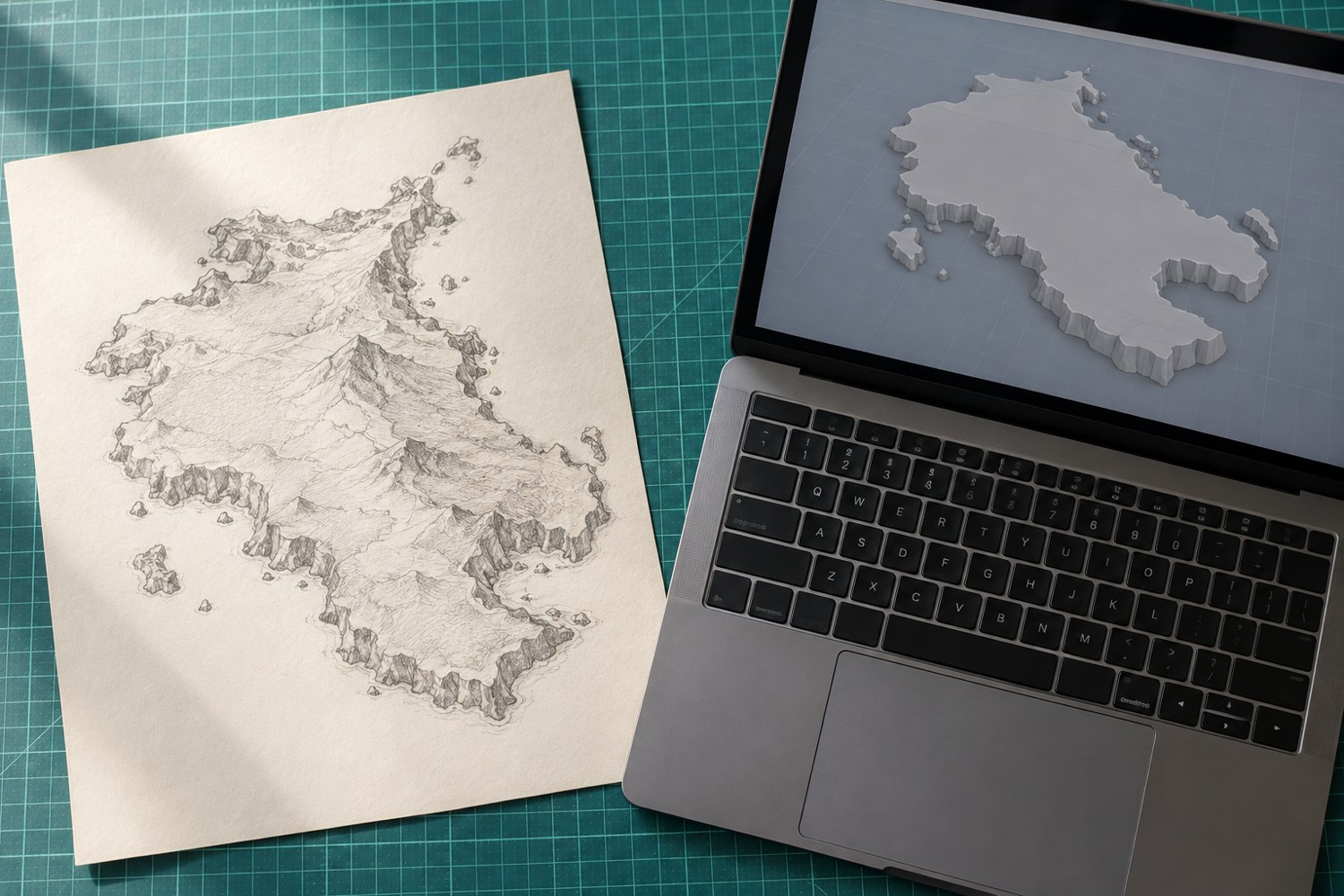
An original island begins with an outline that leaves room for the story you want to tell. Draw the display base first. Inside it, sketch a coastline that includes visible water around the important edges. Avoid filling the base with land simply because the available modelling space makes it possible.
Make three quick alternatives. One might have a sheltered bay, another a narrow headland and a third two connected land masses. Mark a possible landing place and the main high point on each. Compare them as small silhouettes before choosing one. A coastline should create useful spaces, not merely a complicated perimeter.
Turn the outline into a small set of volumes
Import or recreate the sketch in your modelling application using its documented tools. Establish the intended dimensions before adding height. Keep a copy of the original outline so that later smoothing or sculpting can be compared with the plan.
Raise broad landforms first: the main hill, a lower shelf and the harbour edge, for example. Inspect the model from the planned display angle as well as from above. A bay that reads clearly in plan may disappear behind a hill when viewed from the front. Move the large forms while they are still easy to change.
Leave a plausible route between the landing place and any building. It does not need to be physically traversable by a miniature figure unless that is part of the project, but the scene should communicate how its spaces relate. Reserve flat or gently shaped areas where separate structures will sit. A dramatic rock surface everywhere can leave nowhere to place the actual subject.
Use the coastline as an edge, not a texture exercise
Vary the outline with a few meaningful changes in direction. Too many small notches can disappear at the final scale or become fragile projections. Choose where a cliff, beach or quay belongs and let those different edge types shape the model.
For a hypothetical lighthouse island, a broad rocky headland could support the tower while a low sheltered cove explains the landing. The contrast gives the viewer two distinct areas. Add a simple path between them before introducing scattered rocks or vegetation. Each later detail should reinforce those relationships.
Preserve a printable base and an editable plan
Check the underside and the model's overall dimensions before export. If the scene will be split into tiles, mark those boundaries before surface detail makes them difficult to hide or assemble. Keep the coastline, large landforms and optional small details organised so that you can revise one without reconstructing all the others.
Export a low-detail version for a size or composition test. A plain model can reveal whether the hill overwhelms the base or the harbour is too narrow. Photograph that test from the intended viewing angle and compare it with the sketch. Only then add the texture needed to make the chosen forms readable. The original idea remains easier to recognise when detail follows a resolved composition.
Another detail to explore
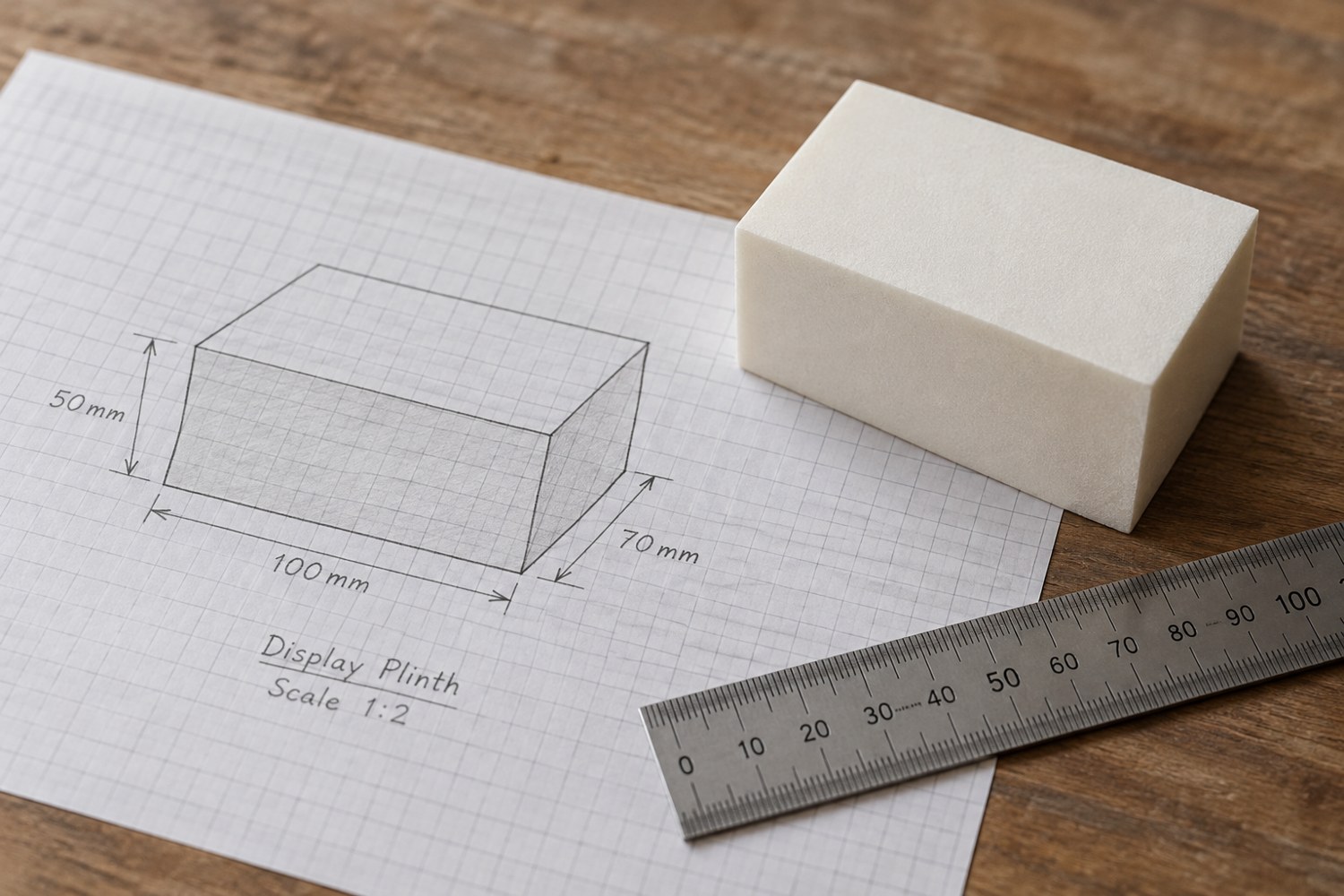
Start a model with dimensions instead of details
Build a short dimensional brief before adding bevels, textures or decorative features. It gives every later modelling decision a reference.
Read article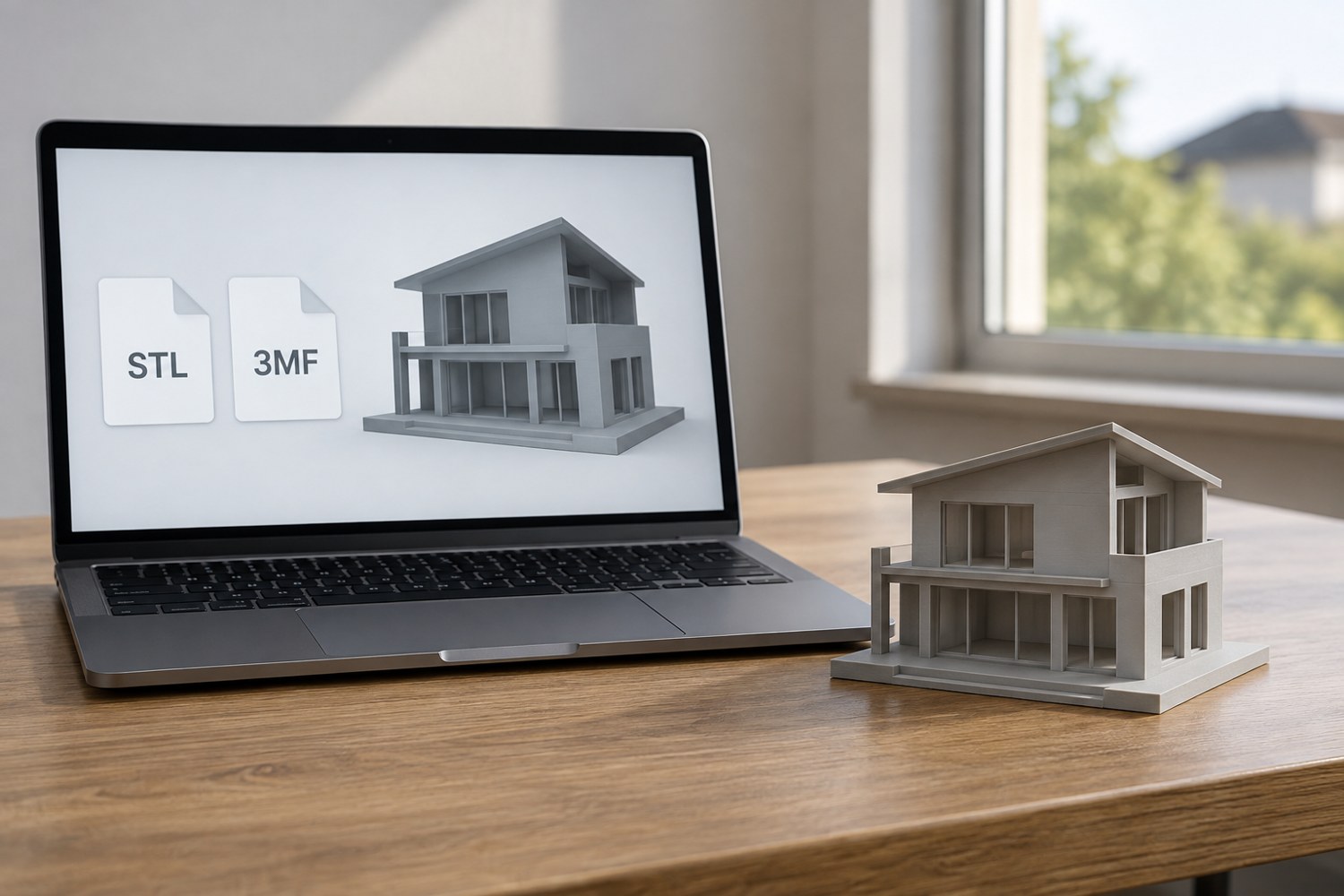
Understand STL and 3MF when sharing a print project
An STL mesh and a saved 3MF project can carry different information. Decide what a recipient needs before choosing the file to send.
Read article