Show the scale of a model without cluttering the picture
Use a separate reference view or a simple dimensional caption to communicate model size without overwhelming the main photograph.
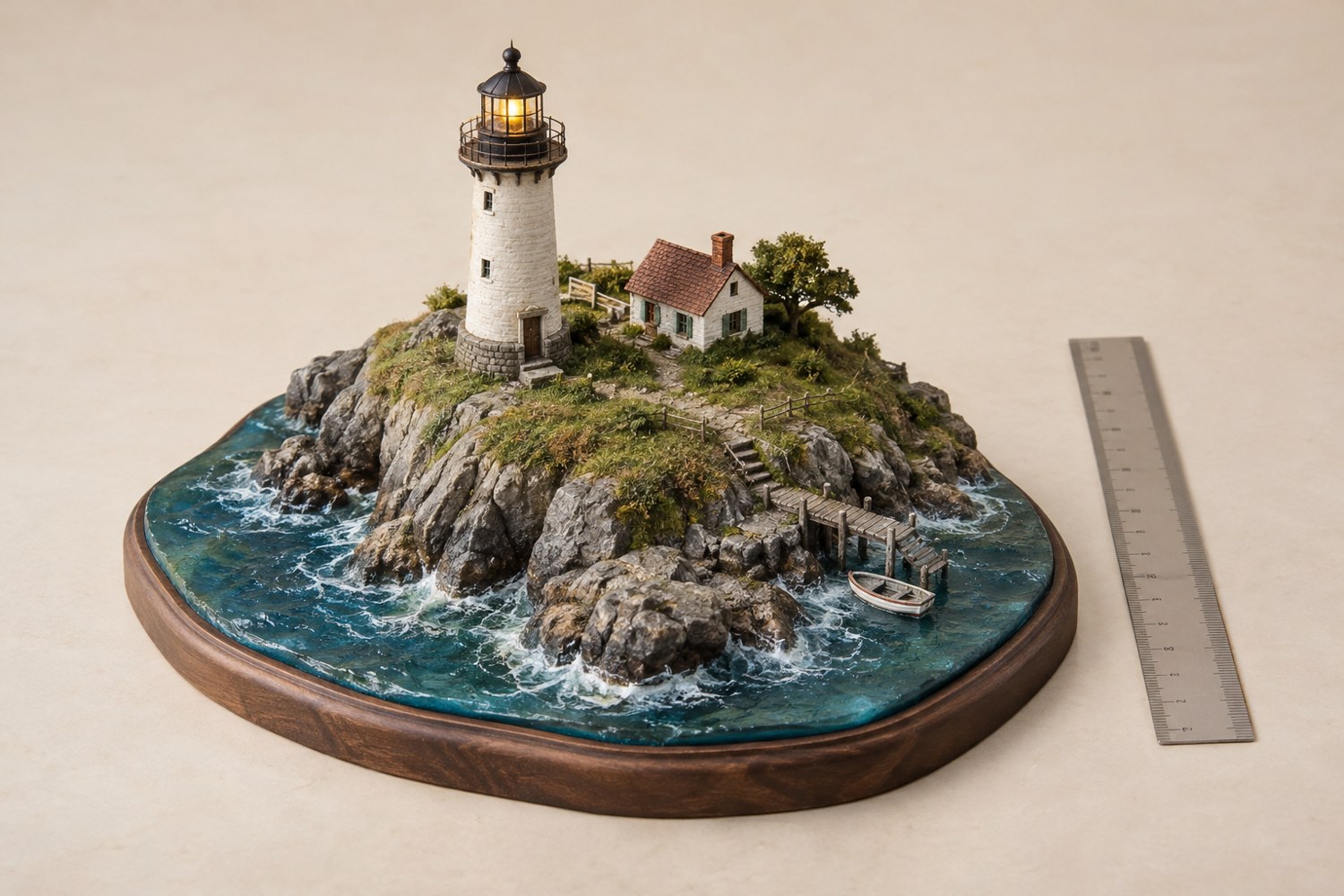
A model photograph can make a tiny object look life-sized or a large diorama look like a desk ornament. Decide whether the image needs to communicate physical size, representational scale or both. The base dimensions describe the actual object; a ratio such as 1:100 describes its relationship to the subject it represents. They answer different questions.
For a clean portfolio image, keep the main photograph free of measuring tools and provide dimensions in the caption. Include units and specify whether the measurement covers the base or the complete model. A base width alone does not describe a tall mast or projecting tree.
Take a separate reference photograph with a ruler beside the model if precise size matters. Place the ruler in the same plane as the dimension being shown, without touching fragile details. An angled ruler far in front of the subject can give a misleading impression through perspective.
A hand or familiar object can give a rough impression, but hands vary and not every viewer knows the size of a particular coin. Use such references as visual context rather than precise measurement. For an item being assessed or reproduced, add actual dimensions.
A miniature figure can communicate scene scale if its scale is known and consistent with the terrain. It can also confuse the issue if it is only a decorative prop. State the relationship clearly in the caption rather than allowing the viewer to infer a measurement you have not checked.
Keep the reference away from the focal feature. Place it near the base edge in the reference frame, then remove it for the clean presentation image. Do not crop it so tightly that its own size or markings become unclear.
Check the caption against the final version of the model. A changed base, added tower or rescaled print can make an old dimension inaccurate. Save the measurements in the project record and update them after major changes. A pair of images—one composed view and one clear scale reference—often communicates more effectively than trying to make a single frame serve every purpose. Both should depict the same finished configuration so the size information remains relevant.
Another detail to explore
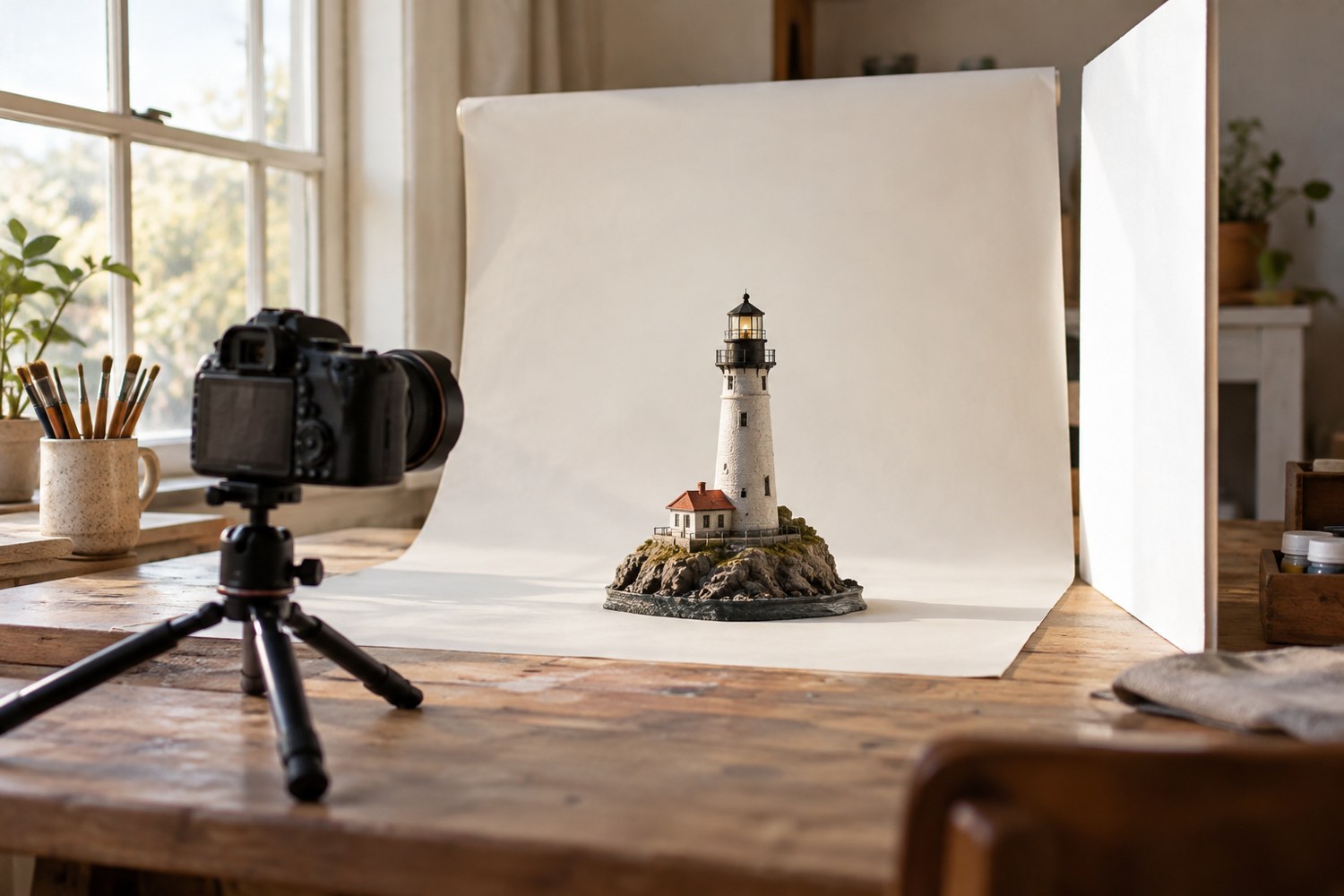
Photograph a miniature with a simple window-light setup
Use a stable model position, indirect window light and a simple reflector to make small forms readable in photographs.
Read article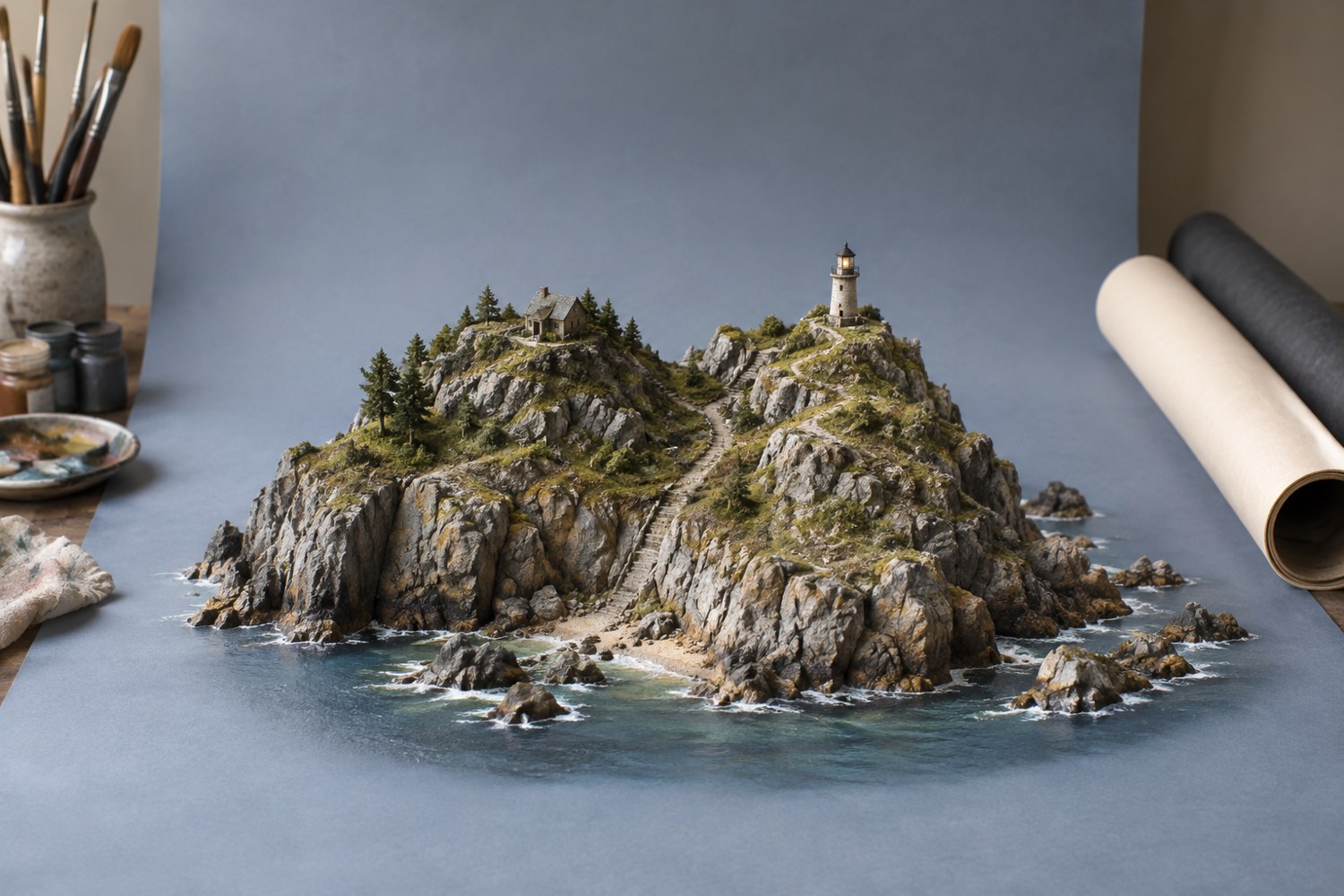
Choose a background for a terrain model
Choose a background that separates the model's silhouette and supports its colours without becoming a second subject.
Read article