Simplify hidden geometry before exporting
Remove geometry only after identifying what it contributes to the final object, its manufacture and future inspection.
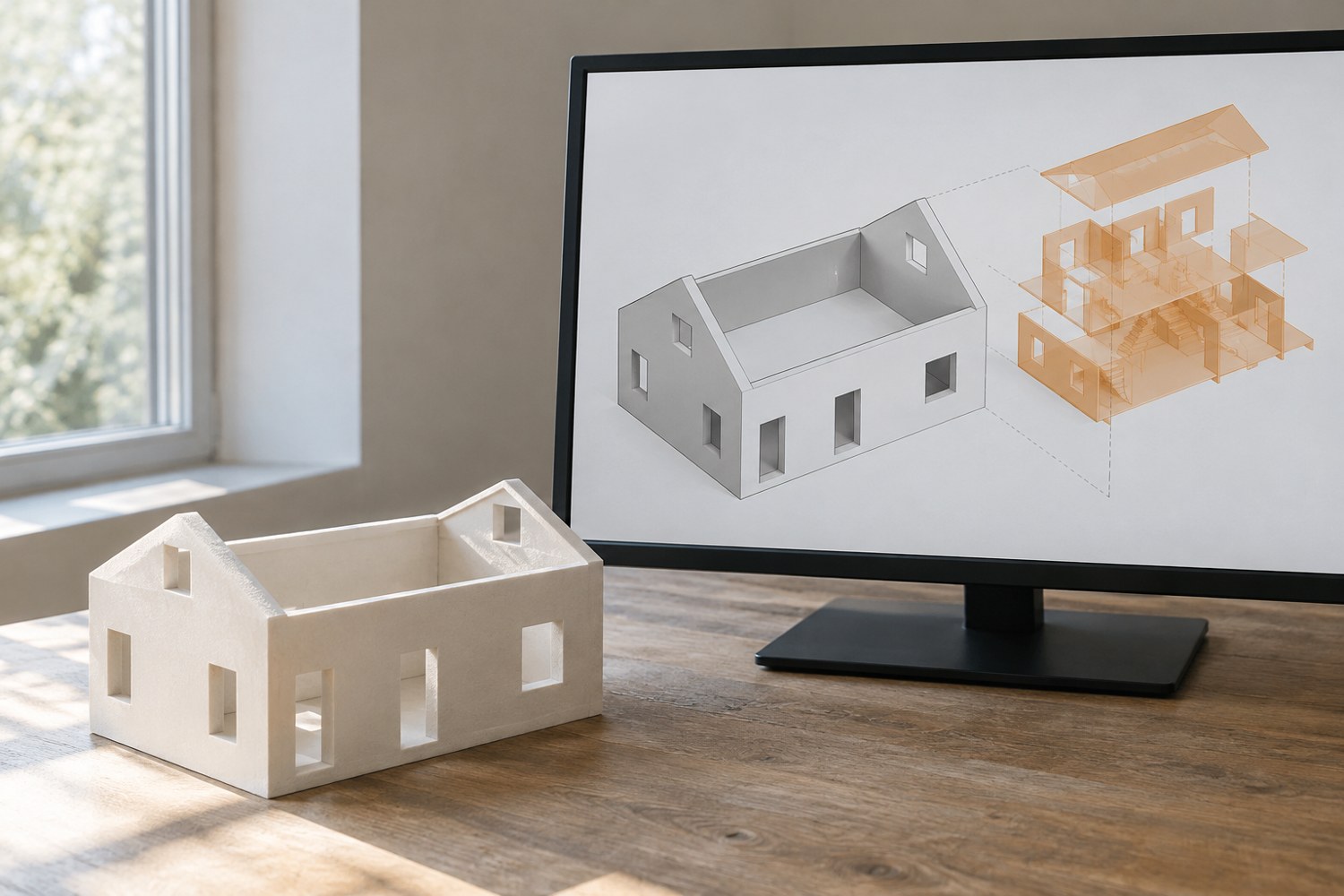
A model created for rendering can contain details that will never be seen in a physical print: internal fittings, overlapping decorative layers or a complete interior behind a permanently closed shell. Simplifying them can make the project easier to inspect, but hidden does not automatically mean unnecessary.
Save a complete version before deleting anything. Make a list of the features that must remain: locating surfaces, assembly clearances, openings and any interior that becomes visible when a part is removed. Use a section view or isolate components so that you can understand how the hidden geometry relates to the outside.
Distinguish decoration from function
A small internal bracket may be invisible in the final display but still locate another part. A hollow area may be needed for a removable component. Conversely, an internal decorative object may only have served the original digital scene. Remove features according to their role rather than their position inside the model.
Check whether two volumes intentionally overlap or are meant to become one continuous shape. Do not assume that hiding one object in the viewport removes it from an export. Confirm the export selection and inspect the resulting mesh in a fresh scene. Software visibility controls and manufacturing geometry are not always the same thing.
After each significant simplification, compare the outer silhouette and the interfaces with the preserved original. Look at the model from the normal viewing angles and through any openings. A small internal deletion can unexpectedly reveal a hole or change the appearance of a window recess.
Inspect the downstream result
Load the simplified export into the intended preparation software and examine the relevant sections or layers. Check that the areas you meant to preserve are still represented. A smaller file is not a successful result if the model has lost a wall or filled an intended opening.
Keep a brief note of the removed elements. This matters if the model may later be opened, lit or adapted into a different assembly. Someone using the simplified file should not assume it contains the same interior as the original design.
Simplification is most useful when it reduces ambiguity. The final model should have fewer unexplained surfaces and a clearer relationship to the object you intend to make. If you cannot explain why a hidden feature is present, investigate it before deleting it. If you can explain why it is unnecessary, preserve the source and make the change deliberately.
Another detail to explore
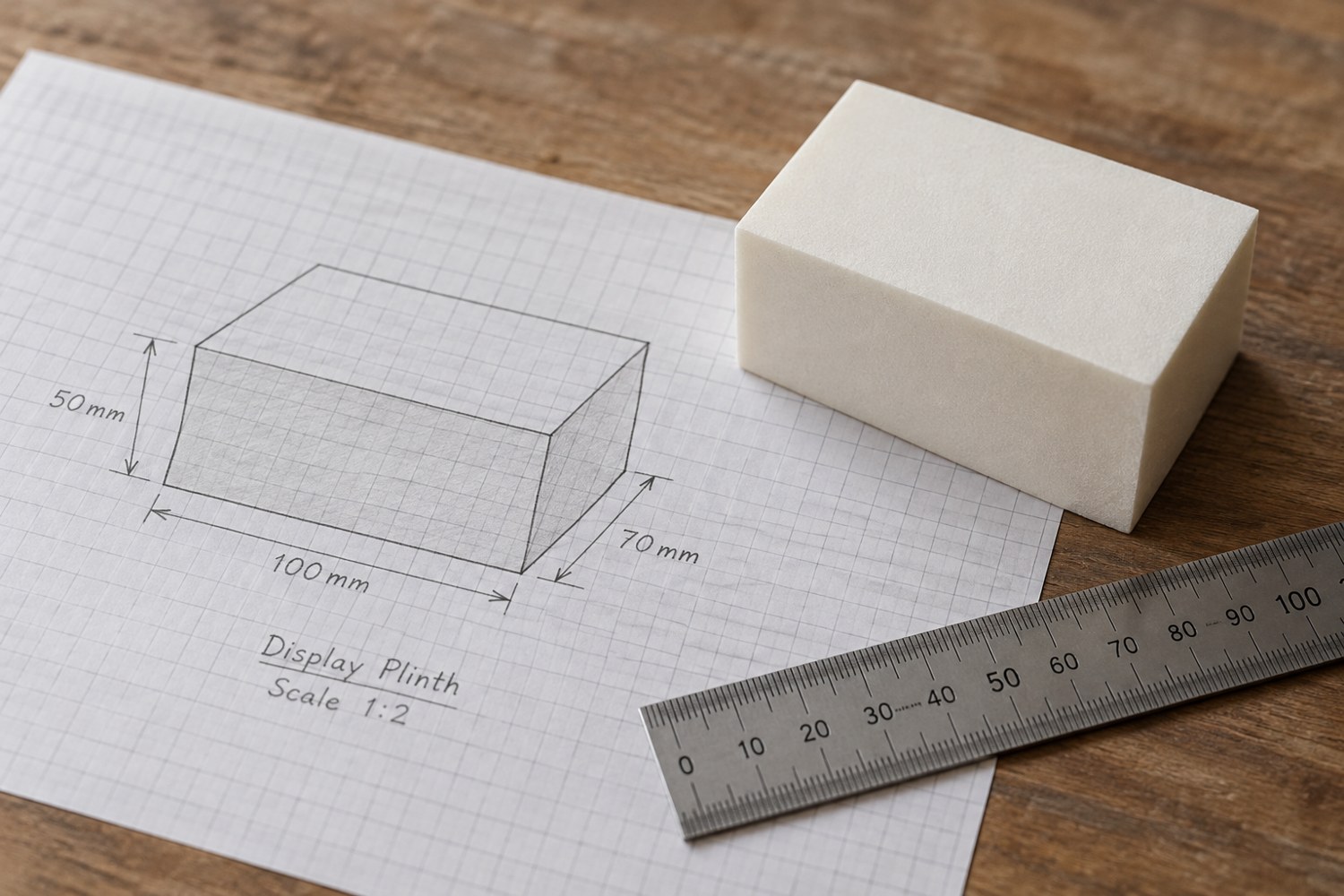
Start a model with dimensions instead of details
Build a short dimensional brief before adding bevels, textures or decorative features. It gives every later modelling decision a reference.
Read article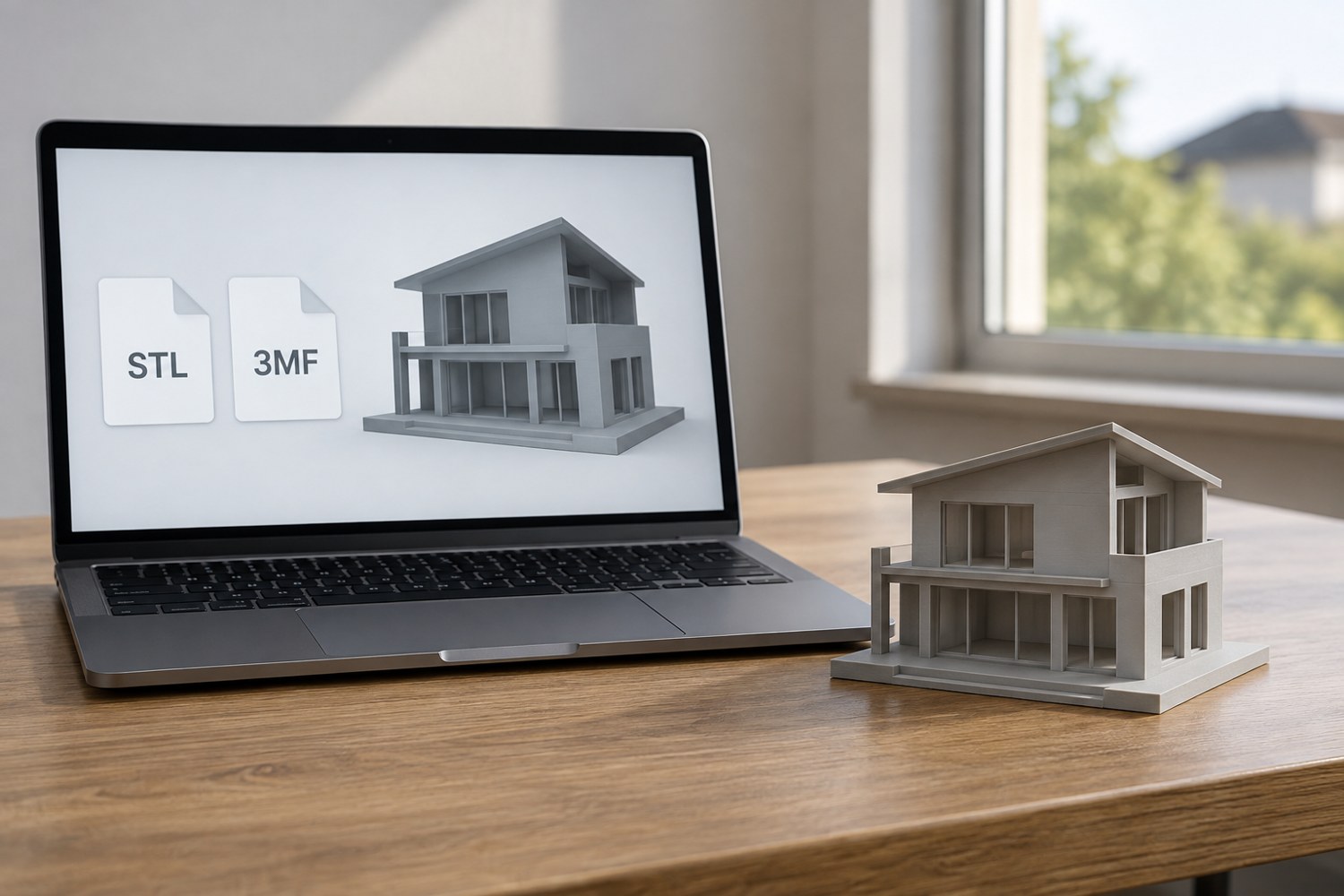
Understand STL and 3MF when sharing a print project
An STL mesh and a saved 3MF project can carry different information. Decide what a recipient needs before choosing the file to send.
Read article