Write useful captions for a model portfolio
Write captions that identify the model, explain the visible stage and distinguish your contribution from the underlying design.
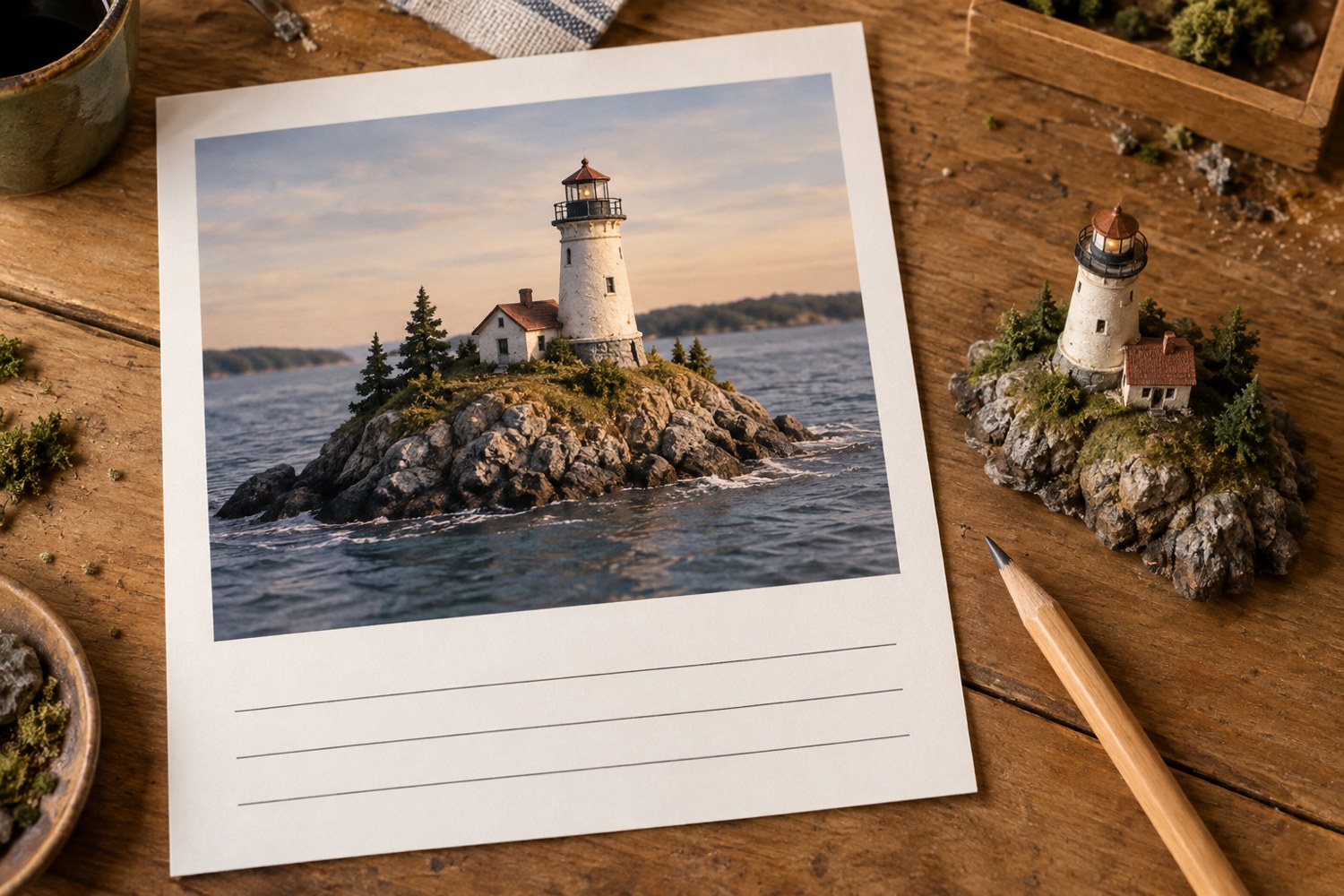
A useful model caption answers the question the photograph leaves open. For a finished overview, that may be the scale and dimensions. For a process image, it may be why a part is temporarily separated. Begin with the visible subject rather than a broad statement about creativity or craftsmanship.
Identify the project and stage clearly. A caption such as harbour warehouse, roof dry-fitted before interior painting tells the viewer more than work in progress. If the image shows an earlier revision, say so. Otherwise a reader may interpret a superseded joint or missing feature as part of the final object.
Include measurements only when they are known and relevant. Specify units and what was measured: the base, the building or the complete model including projections. Keep representational scale separate from physical size. A model can be described as 1:200 and also have a base width in millimetres; those details serve different purposes.
Distinguish designing, printing, assembling, painting and photographing. If a purchased kit or licensed digital model underlies the project, identify it appropriately and follow any attribution requirements. Do not imply that assembling a downloaded design means you created the original geometry.
Describe a technique through the visible result or decision. For example, explain that the roof remains removable for access to the interior. Avoid claiming a process was tested, optimised or proven unless you actually performed and documented the relevant work. A personal observation can be stated as an observation without turning it into a universal product claim.
Use comparison captions to point to the exact change. Name the widened opening, revised path or reduced highlight rather than saying before and after alone. Keep the explanation short enough that the reader can look back at the image and find it immediately.
Label digital renders, AI illustrations and photographs according to what they are. If a picture is illustrative rather than a record of the physical build, make that distinction visible. Review captions after choosing the final image order, because references such as the previous photo can become wrong when the gallery changes. Save the caption text with the project files so a later portfolio update preserves the accurate names, measurements and credits.
Another detail to explore
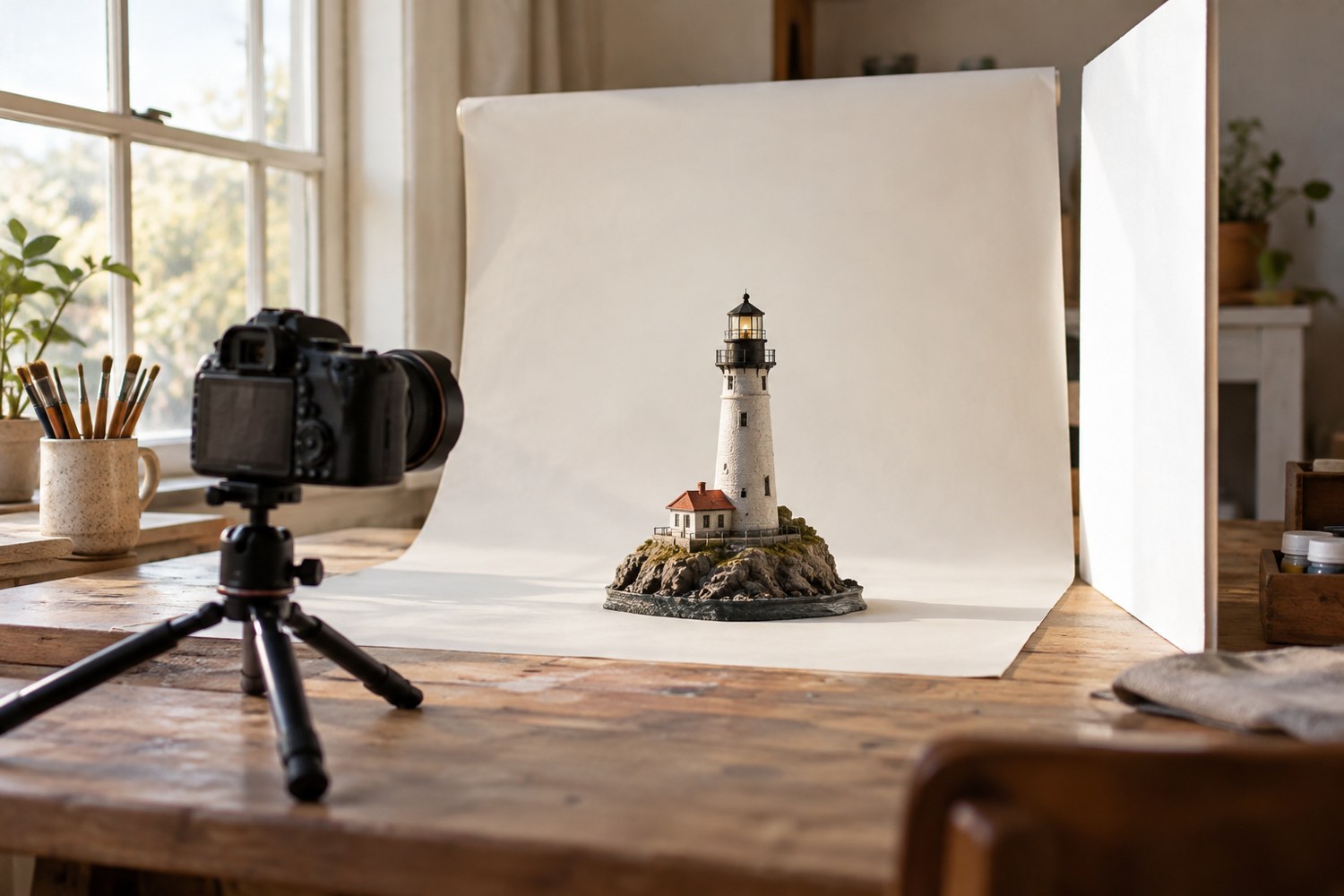
Photograph a miniature with a simple window-light setup
Use a stable model position, indirect window light and a simple reflector to make small forms readable in photographs.
Read article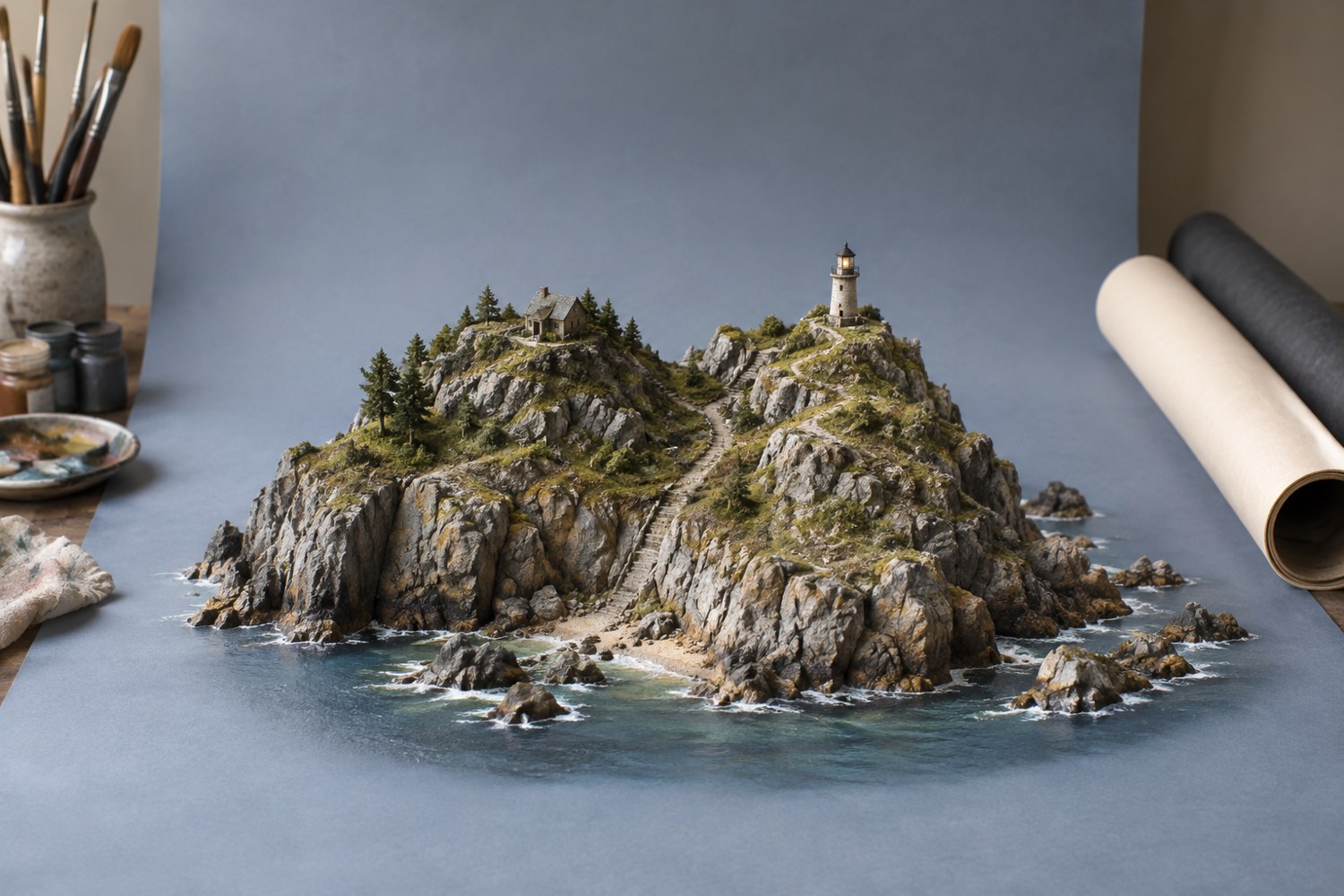
Choose a background for a terrain model
Choose a background that separates the model's silhouette and supports its colours without becoming a second subject.
Read article